Cronus Zen Guide

Troubleshooting

Start from the symptom

Most Zen problems come down to five causes. Find your symptom in the table, then follow the linked guide for the fix and the official source behind it.

  • 1Charge-only cable
  • 2Wrong port
  • 3Too little USB power
  • 4Firmware mismatch
  • 5Platform-side change
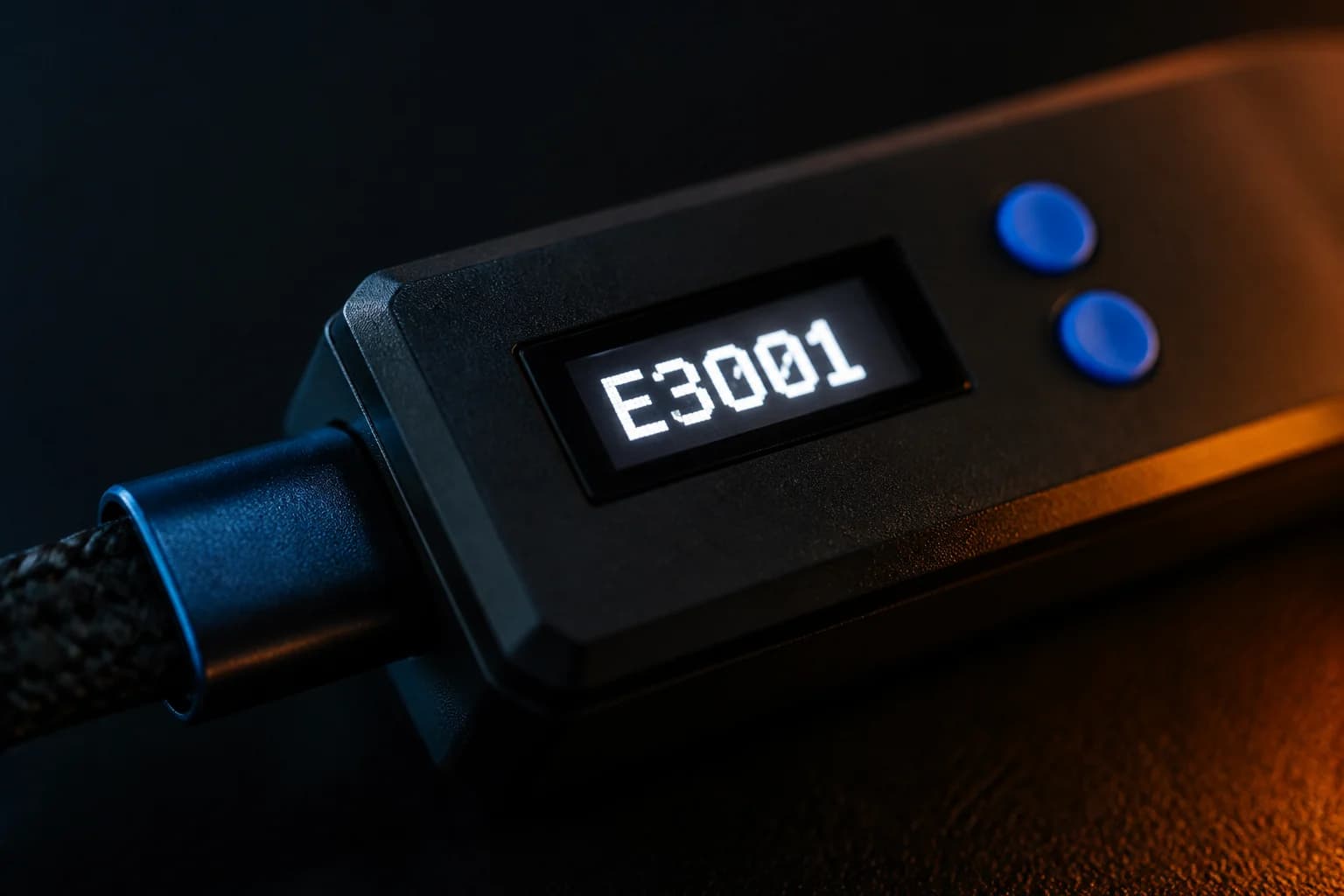
Cronus Zen OLED showing error E3001

Symptom → most likely cause

SymptomMost likely causeFix
Zen Studio says 'No Devices Found' or nothing happens when I connectCharge-only cable, wrong port, weak USB power or missing Legacy driversOpen →
OLED shows E3001Firmware missing or corrupt: reflash from bootloader modeOpen →
OLED shows E3002 or the Zen freezes mid-gameCrash from a faulty script, unsupported device or bad cableOpen →
'Stack overflow' / 'Bytecode underflow' on the OLEDScript compiled for a different firmware lineOpen →
Firmware update stuck, shows 0.0.0 or 'DFU Download Failed'Interrupted flash or under-powered port; retry from bootloader with a powered hubOpen →
PS5 does not respond to the Zen at allDirect USB no longer works after Sony updates; use Zen LINKOpen →
Zen LINK LED red or PS5 keeps disconnectingWi-Fi band, special characters in password, or blocked Remote Play portsOpen →
Xbox controller not recognised or 'controller disconnected'No authenticating Xbox controller in A1, or console needs a power cycleOpen →
Headset chat audio missingBluetooth controller, wrong PS5 input device setting or Xbox firmware quirkOpen →
Controller randomly disconnects or the Zen rebootsInsufficient USB power; use a powered hubOpen →
GamePacks won't download / 'Failed to retrieve data'ISP or firewall blocking Cloudflare DNS; try a VPN or another networkOpen →
Script behaves wrongly on a DualSense EdgeCustom stick curve; set the Edge profile back to default sensitivityOpen →
Game feels laggy through the ZenWireless hop, display settings, heavy script; check each in turnOpen →
I want to wipe everything and start overFactory reset or erase memory slots from Zen StudioOpen →
Blank OLED, never lights upHardware fault: contact support within warrantyOpen →

Troubleshooting guides