
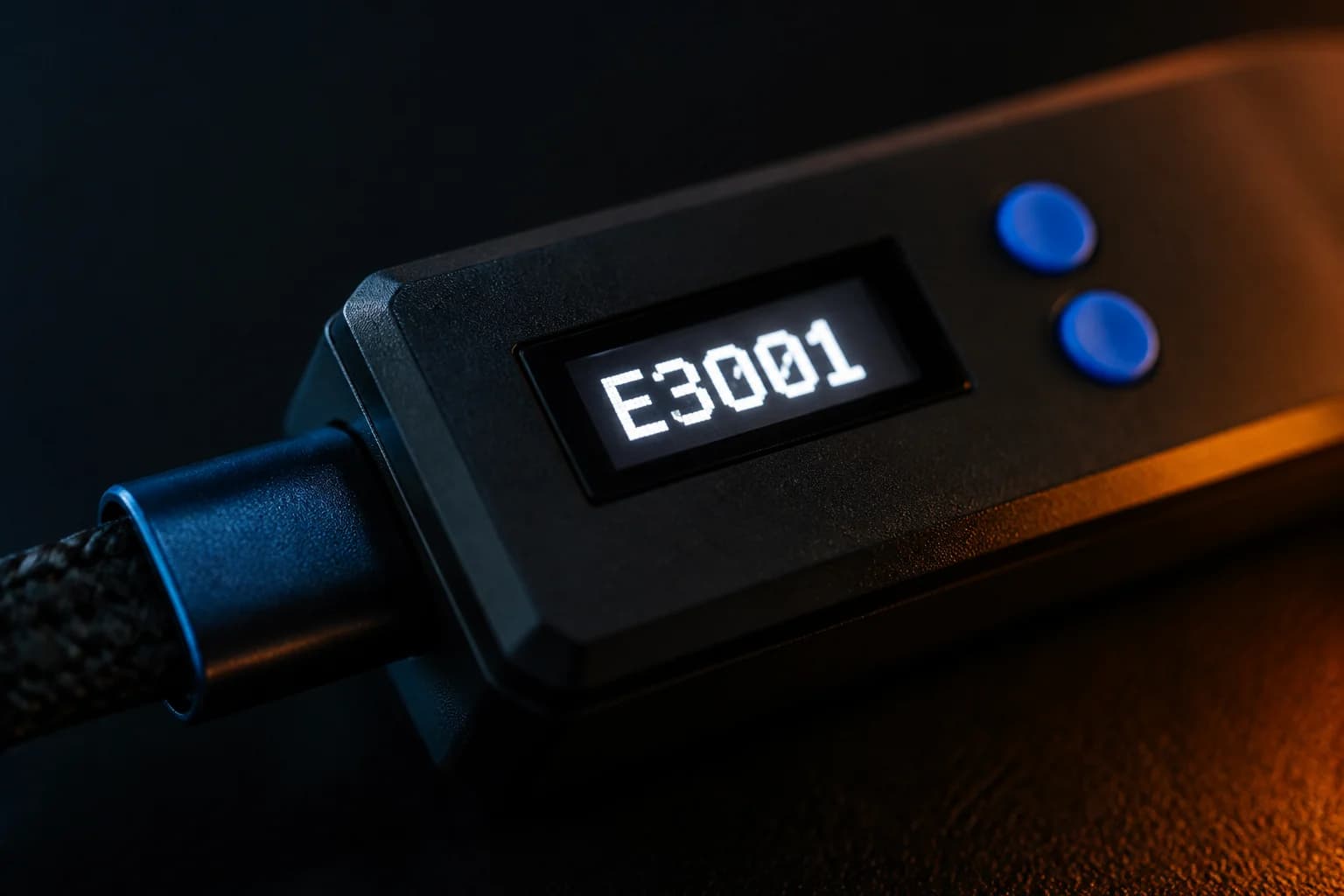
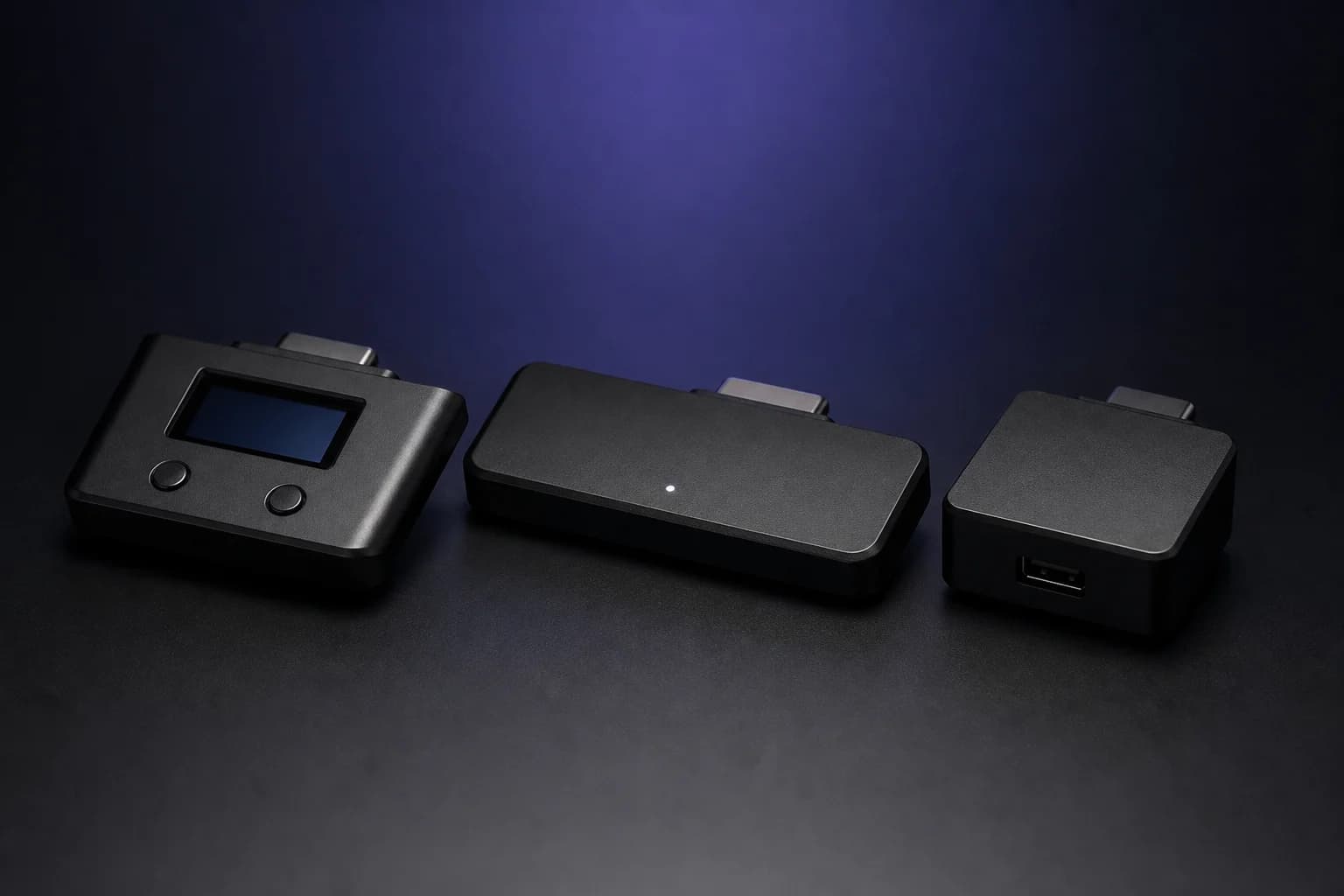
Cronus Zen not detected by Zen Studio: cables, ports and drivers
Why Zen Studio Live or Legacy cannot see your Cronus Zen and how to fix it: data cables, PROG vs top port, WebUSB permissions, Windows drivers, power and a stuck device.
Updated
Setup for every console, Zen Studio, GamePacks, GPC scripting and fixes for when it stops working. Written from the official documentation and cited to it. Nothing for sale.

Setup
Pick your platform. The steps, ports and gotchas are not the same on PS5, Xbox and PC.

Sony's firmware closed the direct USB path, so the supported method is the Zen LINK Wi-Fi module in PS5 Native Mode. Once it is paired, the Zen behaves like it does on every other console.
Software
The three things every owner ends up learning, in the order you actually meet them.
Zen StudioLive in the browser or Legacy on Windows: panels, Device Monitor, the compiler, slots and the OLED menu, explained screen by screen.Explore
GamePacksPre-built mod packs for 200+ games. What they are, how to load one into a slot, and how the configuration interface works.Explore
GPC scriptingThe C-like language the Zen runs. From main and combos to wait timing, get_val and persistent variables, with worked examples.Explore 
Troubleshooting
Most Zen problems come down to five causes: a charge-only cable, the wrong port, too little USB power, a firmware mismatch, or a platform-side change. Find yours below.

Compare
Price, platforms, scripting language, wireless support, display and community, taken from each manufacturer’s own pages and dated.
Latest
Why Zen Studio Live or Legacy cannot see your Cronus Zen and how to fix it: data cables, PROG vs top port, WebUSB permissions, Windows drivers, power and a stuck device.
Updated
Cronus Zen support for the original Nintendo Switch and PlayStation 4, including the Pro Controller wired setting, dock power, PS4 Pro's rear port, DualShock 4 revisions and Switch 2 status.
Updated
How to use a Cronus Zen with a Windows PC: which port to use, why the PROG cable must be unplugged, how Windows and Steam see the Zen, and how to fix double-input problems.
Updated
How to set up a Cronus Zen on PS5 today: why direct USB stopped working, what Zen LINK does, the exact console settings, and the wired vs wireless caveats.
Updated
Step-by-step Cronus Zen setup for Xbox Series X and Series S, including the A1 authentication controller, Xbox Wireless Adapter pairing and the official connection fix.
Updated
Fifteen Cronus Zen problems ranked by how often they come up, each with the official fix: not detected, E3001, E3002, bytecode errors, DFU failed, PS5 not connecting, no headset audio and more.
Updated
FAQ
Six questions new owners ask most. Each one links to the full guide where the details and sources live.
All 20 questionsThe official user guide, Zen Studio Live, the support helpdesk and the store are all run by Collective Minds. Every guide here links back to them, and when the two disagree the official page wins.