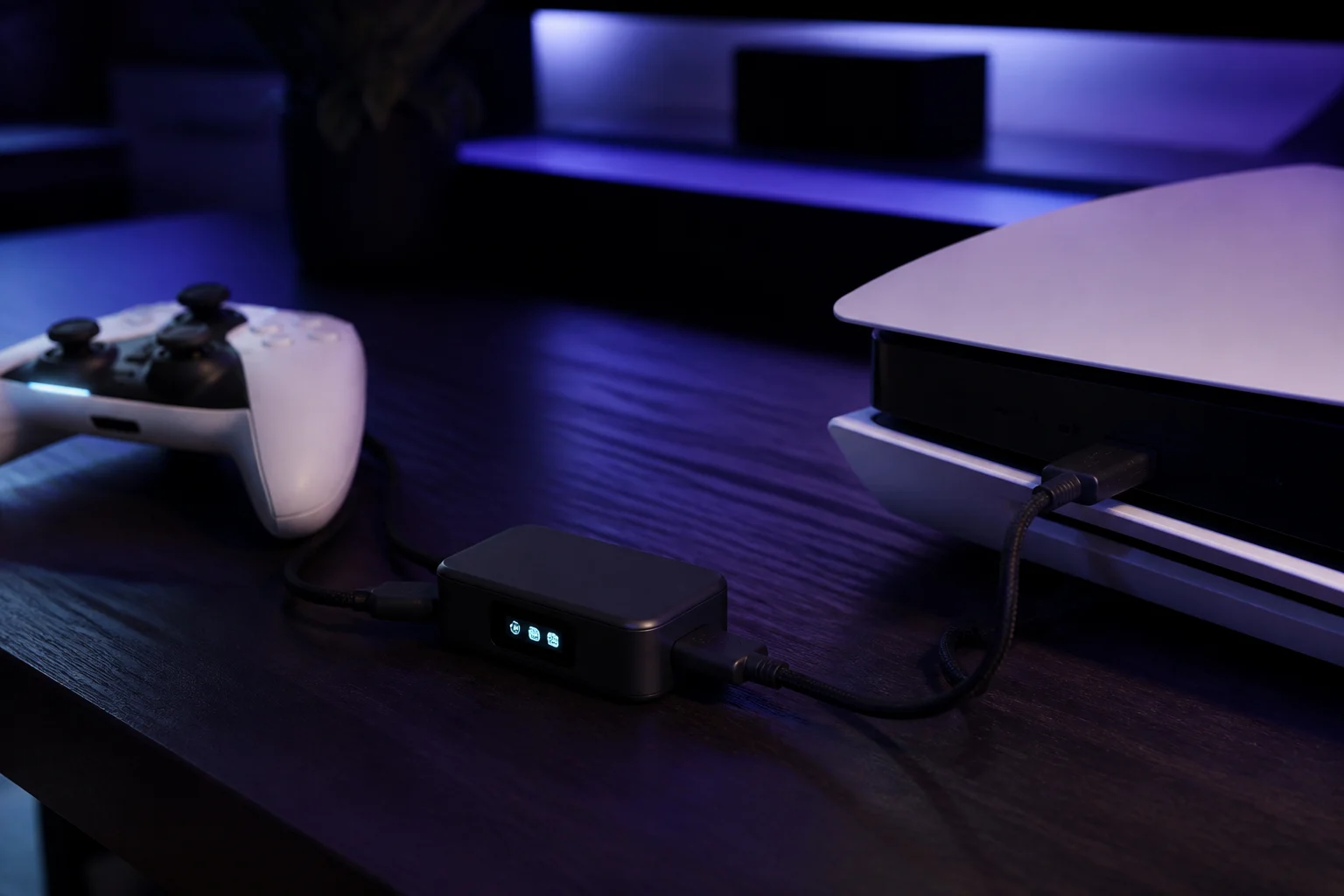
XIM Matrix vs Cronus Zen for mouse and keyboard users
A focused comparison for players who want to use a mouse on console: how the XIM Matrix and Cronus Zen translate mouse input, their configuration apps, price, PS5 paths, scripting, and the identical policy risk both carry in competitive games.
- Updated
Quick answer
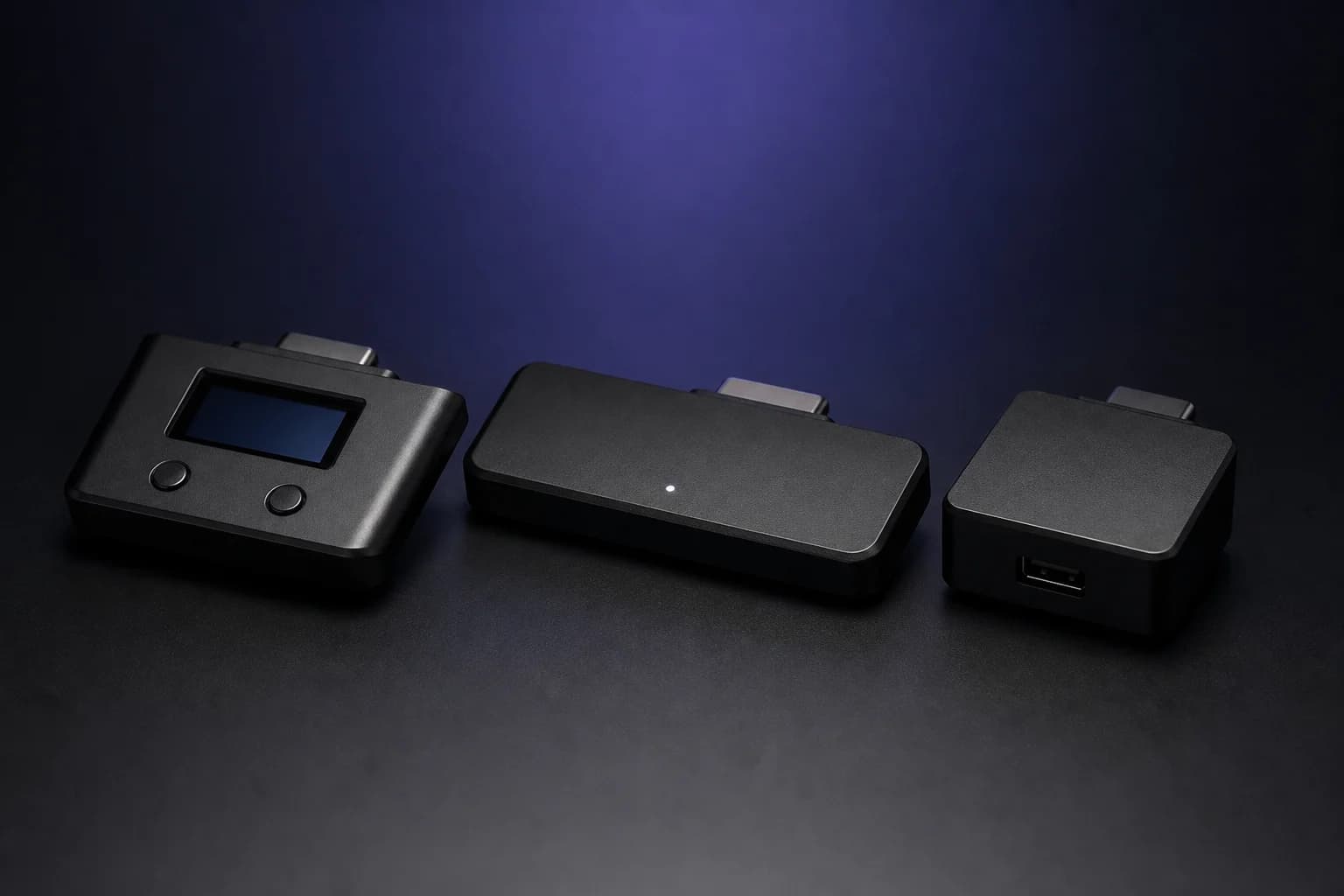
The XIM Matrix ($124.99) is built around mouse-to-controller translation, with per-game Smart Translators tuned by XIM and a phone app. The Cronus Zen ($109.99) treats mouse and keyboard as one feature among many, alongside GPC scripting and GamePacks. For a mouse-only player the Matrix is more specialised; for scripting or controller MODs the Zen covers more.
Who is this comparison for?
Players whose main reason to buy an adapter is to use a mouse and keyboard on a console. If you are mostly interested in controller MODs, cross-platform controller use or writing scripts, the broader Zen vs Titan Two vs XIM Matrix comparison is the better read.
What is each device fundamentally?
XIM Matrix is a translator first. XIM Technologies has spent well over a decade on one problem: making a mouse feel as natural as possible when the console believes it is receiving a stick. Everything about the Matrix, from its per-game Smart Translators to its app, serves that goal.
Cronus Zen is a programmable controller adapter that also translates mouse and keyboard. The mouse feature is well developed, with six profiles, Aim Settings and Analog Sim for WASD, but it shares the device with GPC scripting, GamePacks, the OLED menu and cross-platform controller support.
That difference in emphasis explains most of what follows.
How do they translate the mouse?
Both convert mouse deltas into stick deflection and keys into buttons, and both face the same wall: the console game applies its own stick acceleration and caps turn speed at full deflection. The approaches differ.
- XIM publishes Smart Translators per game, tuned by XIM against each title's aim mechanics. You choose the game and start from a curve designed for it, then adjust sensitivity. The design principle is that the user should not need to understand the curve.
- Cronus provides Aim Settings per profile with sensitivity, acceleration and curve controls, plus the Legacy M&K Settings panel's visual curve editor and XIM-style curve import. The design principle is that the user has the knobs. Some GamePacks include mouse tuning for their game.
For a player who wants to plug in and play, XIM's approach is quicker to a good result. For a player who enjoys tuning, or who wants a script to change behaviour mid-match, the Zen offers more control.
How are they configured?
| XIM Matrix | Cronus Zen | |
|---|---|---|
| App | XIM Matrix Manager on iOS, Android, Windows | Zen Studio Live in a Chromium browser, or Zen Studio Legacy on Windows |
| Connection to app | Bluetooth LE | USB via PROG port |
| Profiles | Per-game configs with Smart Translators | HIP, ADS, AUX 1 to 4 per slot, saved as .zmk |
| Adjust without PC | Phone app | OLED menu for GamePack MODs; M&K values need Zen Studio |
Configuring from a phone on the sofa is a genuine XIM advantage. The Zen's browser tool is easy and cross-platform, but needs a computer with a cable.
What about PS5?
Both face Sony's block on the direct USB path. The Zen's official method is the Zen LINK module ($29.99) over PS Remote Play, which adds a Wi-Fi hop. XIM's Matrix page describes a local network connection requirement on PS5. Neither is plug-and-play on Sony's current firmware, and both depend on network quality for latency. Details for the Zen are in PS5 setup.
On Xbox both need an official Xbox controller for authentication. On PS4 and Switch both work over USB.
What about scripting and MODs?
This is where the devices part ways. The Zen runs GPC, a full language with a compiler, combos, persistent variables and OLED drawing, plus a library of free GamePacks. The Matrix has Smart Actions for macros and configuration behaviours, but it is not a programmable device in the same sense. If you want a mouse and controller MODs in the same box, that is the Zen.
Price and what's in the box
- XIM Matrix: $124.99 at XIM's store, with a 30-day return window carrying a 20% restocking fee per the store policy as of writing.
- Cronus Zen: $109.99 at cronus.shop with a 30-day money-back guarantee and a 90-day warranty, plus $29.99 for Zen LINK if you need PS5.
Both need a powered USB hub for a mouse and keyboard with lighting; see power and hubs.
Are they allowed?
Identically not, in competitive online play. Activision's RICOCHET Season 02 update named Cronus and XIM style devices together as targets of new machine-input detections with non-appealable hardware bans. Epic's Fortnite Restricted Hardware policy covers any device that provides a competitive advantage. Using either for aim-assisted mouse play in those games is prohibited. In single-player games and titles with native keyboard and mouse support, the picture differs. Read Is the Cronus Zen allowed?.
Which should a mouse player choose?
- Choose the XIM Matrix if the mouse is the whole point, you value phone-based setup, and you want XIM's per-game tuning rather than your own.
- Choose the Cronus Zen if you want mouse support plus GPC scripting, GamePacks, an OLED menu and cross-platform controller use, and you do not mind tuning curves yourself.
- Choose neither for competitive online shooters where the publisher has said no.
Setup for the Zen's mouse features is in keyboard and mouse through the Cronus Zen.
Frequently asked questions
Which feels more like a PC mouse?
Does the XIM Matrix support PS5?
Can the XIM Matrix run scripts?
Are they detected differently?
Sources
Every link was live when this guide was last updated.
- 01XIM Matrix (XIM Technologies store)store.xim.tech
- 02XIM Technologiesxim.tech
- 03Mouse and keyboard panel, Zen Studio Live (official Cronus guide)guide.cronuszen.com
- 04Native vs Emulation (official Cronus guide)guide.cronuszen.com
- 05Call of Duty RICOCHET Anti-Cheat, Season 02 update (Activision)callofduty.com
This guide is independent and unofficial; product names belong to their owners. Found an error? Use the contact page and we will correct it and note the change.